Case Study
PassSafe
A free, offline Android password manager - AES-encrypted local storage with no ads and no data collection.
Sep – Nov 2022
ARCHIVEDThe problem
I wanted secure password management across my platforms without the complexity - and the online exposure - of the existing options. So while learning Android development, I built one: PassSafe, a safekeeping for all your passwords.
The approach
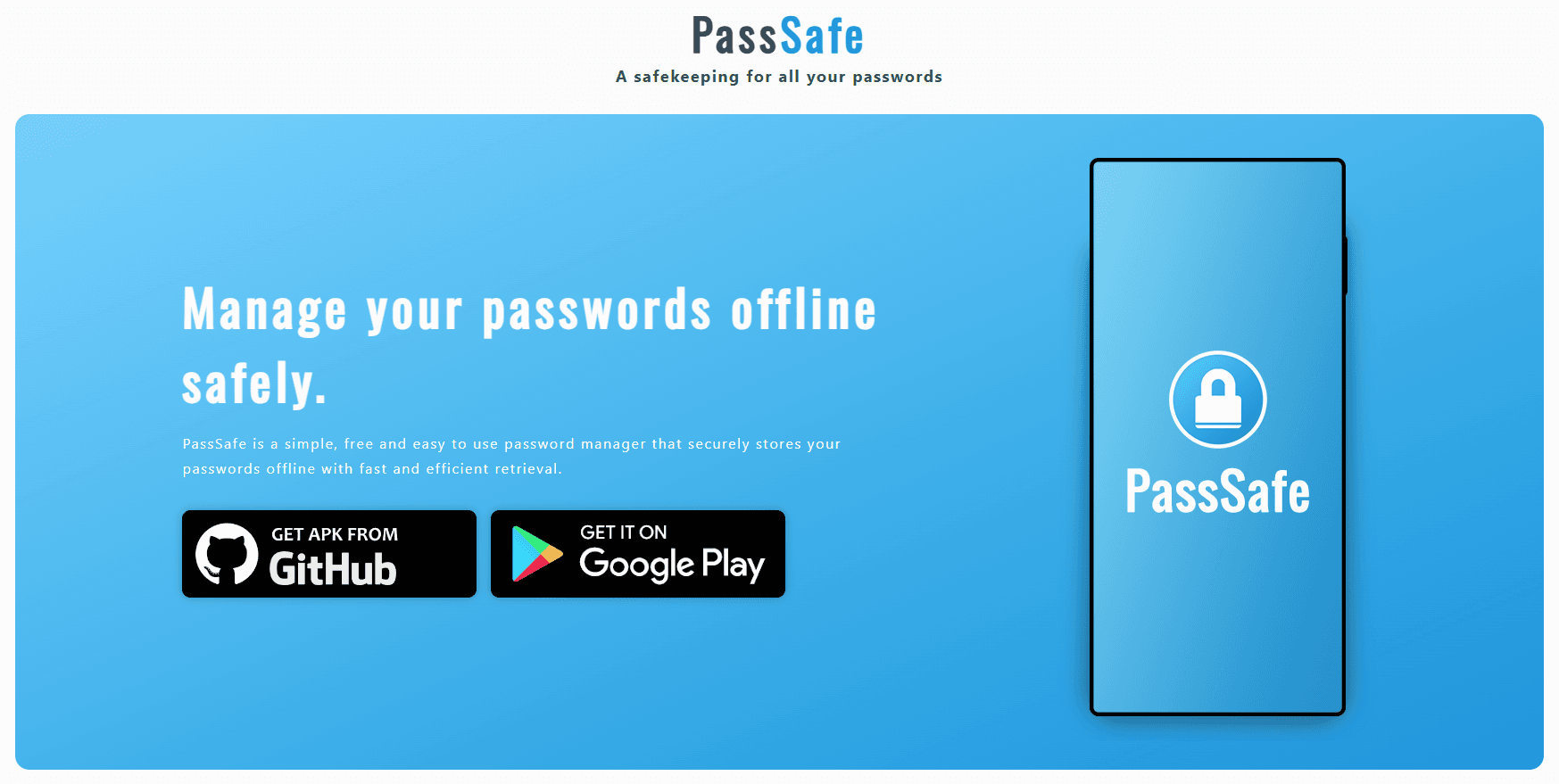
PassSafe is a simple, free and easy-to-use password manager that stores your passwords offline, with fast and efficient retrieval. Keeping storage local by design removes a whole class of online vulnerabilities.
Passwords are protected with 256-bit AES encryption, initialised with a unique random salt, and the app includes a built-in password hashing system. There are no ads and no data collection, behind a deliberately simple and accessible interface.
The outcome
PassSafe shipped to the Google Play Store, with the source and APK releases published on GitHub - a working, offline-first password manager anyone can install.
Learnings
My first real Android app, and an early lesson in security-minded design: encryption, salting and hashing, and the privacy case for keeping sensitive data offline rather than in the cloud.